
Investor Platform Updates: Reports, Advisor Roles, and Custom Properties

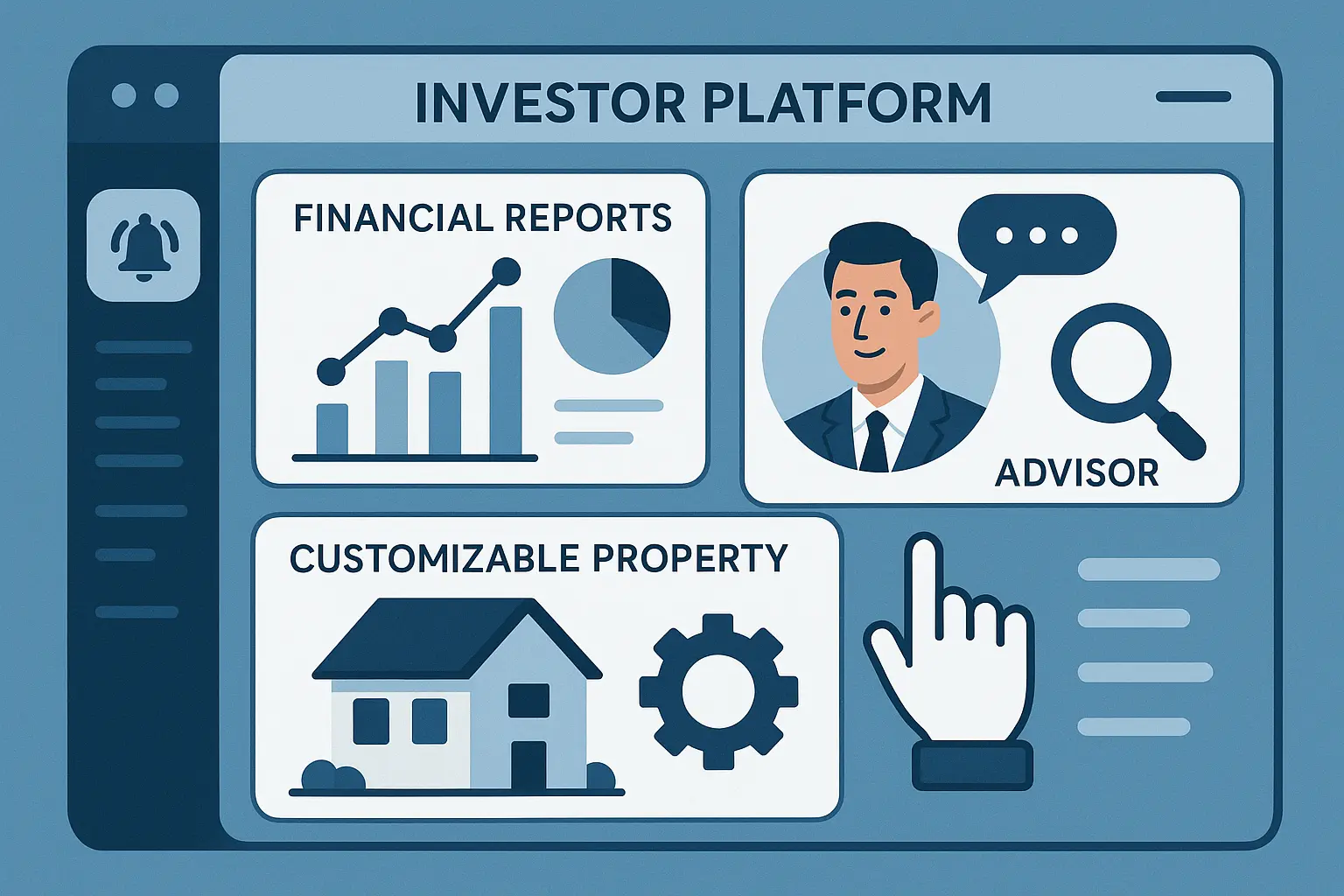
Managing investments today looks a lot different than it did even a few years ago. Around 72% of investors now say they prefer platforms that allow them to customize their reports and collaborate easily with their advisors. As digital tools keep evolving, so do our expectations: not just for better data, but for smarter, more personal controls over who can see what and how insights are shared.
In this article, we’ll dive into some of the biggest updates shaping modern investor platforms—like better reporting, clearer advisor roles, and new ways to organize information. If you’re looking to make collaboration smoother, reports more meaningful, or just want to get the most from your tools, these changes and tips could make your workflow a lot easier.
The Evolution of Investor Platforms
Investor platforms have come a long way from simple account dashboards and static balance sheets. As technology and expectations have changed, these platforms have transformed into dynamic ecosystems that do far more than just display numbers.
Key Features Investors Now Expect
Today’s investors want instant access to data—real-time performance, transparent fee breakdowns, and detailed transaction histories. Personalization is no longer an extra; it’s the foundation, with dashboards that adapt to different investment goals. Integrations with banking apps, automated alerts about portfolio changes, and even secure document vaults are increasingly standard. Above all, intuitive design and a clear, responsive user experience set the best platforms apart in the market.
Emerging Trends in Digital Investment Tools
From intelligent reporting engines to AI-powered analytics, innovation is reshaping investor platforms daily. Mobile-first interfaces empower users to monitor portfolios from anywhere, while machine learning assists in surfacing patterns and forecasting potential risks. Social investing features—such as collaborative portfolios and peer comparisons—signal a shift towards more community-driven decision-making. The growing demand for ESG data and customizable views means platforms must stay agile, anticipating the evolving needs of modern investors.
As investor platforms continue to adapt and become more sophisticated, understanding the roles and permissions within these environments is critical for both transparency and security. Let’s take a closer look at how advisor access is shaping today’s digital investment experience.
Advisor Roles: Defining Responsibilities and Access Levels
Types of Advisor Access within Platforms
Not every advisor has the same job—or requires the same access. Some advisors only need a bird’s-eye view, tracking portfolio movements or performance. Others are more hands-on, managing trades, updating account information, or configuring portfolio allocations. Modern investment platforms offer tailored roles to match these needs, typically through predefined access levels. For instance, a “Read-Only” advisor role allows users to view data without making changes, while a “Full Access” role opens the door to actions like creating reports or communicating directly with investors.
This separation prevents accidental changes by those who shouldn’t be editing sensitive details and keeps compliance checks in line. Think of these roles as distinct keys—each unlocking certain features, but never more than necessary.
Managing Permissions and Delegated Authority
Maintaining security and clarity means knowing who can do what, and why. Platforms now make it straightforward to specify permissions, either at the account level or for particular portfolios. For example, a lead advisor might have authority to reassign accounts or modify investment objectives, while a support advisor can upload documents or collect signatures.
Delegated authority is especially important in multi-advisor teams. It helps ensure each advisor acts within their intended boundaries, while still allowing collaboration. Clear permission settings also make auditing easier if questions about actions or decisions ever arise. As regulations around advisory work keep evolving, granular permission management stands out as a quiet hero in risk reduction.
Understanding who holds which keys is only the start—helping advisors use these roles effectively means integrating their responsibilities into everything from reporting to client updates. Next, we’ll explore how these roles impact the way reports are created, shared, and customized for investor needs.
Building and Customizing Investment Reports
Report Templates That Matter Most to Investors
Investment reporting isn’t just about delivering data—it’s about relevance. Whether an investor needs to track performance, fees, risk metrics, or concentrated holdings, having the right template is vital. Modern platforms now offer a curated list of templates that align with common investor needs: quarterly performance summaries, tax season breakdowns, and risk exposure highlights. Custom filters let users narrow in on specific portfolios, time ranges, or asset classes without extra hassle.

The power here lies in eliminating noise. Well-crafted templates ensure reports focus only on what matters to the reader—so an institutional investor or a family office sees the insights they value most, with no distraction from irrelevant data points.
Hands-on Walkthrough: Creating Dynamic Reports
Dynamic reports allow investors and advisors to move beyond static PDFs. Interactive elements—drill-down charts, toggled sections, and on-demand data exports—enhance decision-making. Getting started is simple: select a base template, choose the investment accounts to include, and apply any desired metrics or benchmarks. A preview pane instantly visualizes these choices, offering immediate feedback on data clarity and report flow.
Customization goes even further. Need to add a custom risk metric or tag a new asset category? Input fields and drag-and-drop elements do the heavy lifting. Saving report configurations means the same format can be repeated or shared across teams, locking in accuracy and consistency.
These customizable options open the door for richer conversations with advisors, who can tailor insights before every meeting. Up next, we’ll look at how platform roles affect collaboration and data access—critical ingredients for confident decisions.
Thank you for reading EasyVC’s blog!
Are you looking for investors for your startup?
Try EasyVC for free and automate your investor outreach through portfolio founders!
Leveraging Custom Properties for Deeper Analysis
What Are Custom Properties in Investor Platforms?
Custom properties allow users to append unique details to assets, portfolios, or accounts—going beyond standard fields like “asset type” or “account balance.” These properties are user-defined, enabling teams to track information that matters to their specific investment strategies or client relationships. Want to monitor ESG ratings, assign risk categories, or flag assets involved in a particular strategy? With custom properties, you shape the platform to fit your analytical lens.

Practical Use Cases: Tagging Assets and Segmenting Data
Think of custom properties as sticky notes behind each dataset, ready to group, filter, or report on any attribute you need. Asset managers might tag real estate holdings with city zoning regulations or flag private equity investments with deal stages. Advisors can quickly sort clients by life events, like “business sale” or “retirement pending,” then export targeted reports or notifications. This flexibility turns rigid columns into dynamic, insightful dimensions.
The power of custom properties expands as platforms support filtering investment data at scale. Segment portfolios based on region, compliance status, or unique tax considerations. Create performance breakdowns tied to sustainability goals or sector exposure—without waiting for product updates. Every property you add becomes another lever for spotting patterns, answering client questions, or identifying new opportunities.
Mastering the art of tagging and segmentation naturally leads to more actionable investment reports. Next, we’ll unravel how these tailored details flow seamlessly into your reports, transforming them from one-size-fits-all to precision tools for smarter decisions.
Best Practices for Collaborative Workflows Between Investors and Advisors
Streamlining Communication and Updates
Consistent and focused communication keeps investment workflows frictionless. Make use of platform chat features or integrated message boards, so actions—like sharing a revised document or flagging a portfolio update—don’t get lost in crowded inboxes. Leverage notification preferences to ensure the right people see the right updates, and always document major decisions or changes directly within the platform. This keeps everyone aligned, especially when timelines are tight or decisions affect multiple stakeholders.
Audit Trails and Transparency Benefits
Working in a platform that automatically records edits, comments, and approvals builds a permanent record of everyone’s contributions. Audit trails reduce the frustration of lost context or missing files. If a report’s numbers change or a compliance concern pops up, it’s easy to trace who made the adjustment and when, simplifying troubleshooting and reinforcing accountability. This visibility builds trust between advisors and investors, creating a collaborative environment where everyone has confidence in the process.
As you refine collaborative habits, it’s essential to look ahead and ensure your workflows can evolve as new features and enhancements appear on your platform. Let’s explore how you can stay ahead of the curve.
Future-Proofing: Anticipating Updates and Platform Enhancements
How to Advocate for the Features Your Team Needs
Effective platforms evolve because their users speak up. When your team identifies a workflow friction or imagines a capability that would save hours, document the need clearly—screenshots, concrete examples, and the impact on efficiency all help your request rise to the top. If possible, connect your feedback to shared investment goals or regulatory demands. Reach out to the platform’s feedback channels, whether that means submitting a support ticket or joining a beta program. As more users rally behind similar requests, providers are far more likely to prioritize those changes.
Evaluating Integration and API Options
Growth inevitably brings new systems. When considering an investment platform, check its compatibility with your existing stack. Can it push or pull data into your CRM, accounting software, or client portals? Public APIs and webhooks make integrations smoother, cutting down on manual exports and double entry. Before committing, ask to see current documentation, examples, and a roadmap for upcoming connectivity improvements. A flexible, well-documented API ensures that even as your tech stack shifts, your data remains connected.
The right perspective today means fewer headaches tomorrow. Next, discover how building workflows together with your advisors and investing partners leads to more efficient, transparent collaboration through CRM for startup fundraising.