
Free Pitch Deck Template: Download, Customize, and Create a Winning Presentation

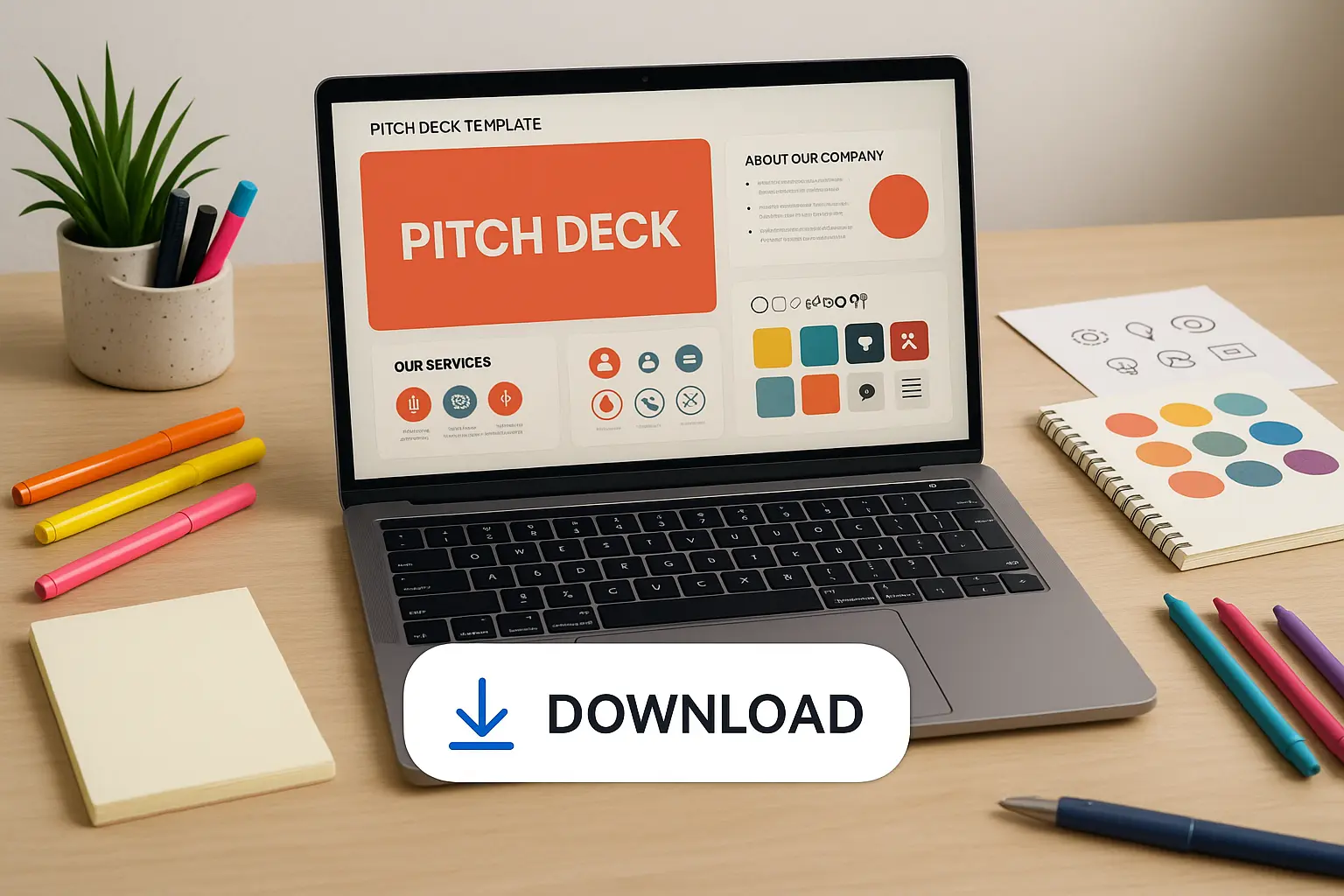
Creating a pitch deck can feel overwhelming, especially when you know how much is riding on getting it right. In fact, studies have shown that investors spend an average of just 3 minutes and 44 seconds reviewing a pitch deck before deciding whether to move forward.1 First impressions really do matter. Whether you’re getting ready for your first investor meeting or looking to polish your story for a new audience, starting with a great template can help you focus on what matters most: your message.
This article shares a free pitch deck template you can easily download and customize, plus practical advice to guide you through building a deck that truly represents your idea. If you’ve ever wondered how to structure your slides or what makes a deck stand out, you’re in the right place.
What is a Pitch Deck and Why Start with a Template?
A pitch deck is a short, visual presentation that tells your startup’s story to investors, partners, or other key stakeholders. In just a handful of slides, you’ll share what your company does, why it matters, and how you plan to grow. It’s your chance to capture attention, spark curiosity, and open the door for a deeper conversation—so every slide and word counts.

Building a pitch deck from scratch can feel overwhelming. That’s where templates come in handy. Instead of sweating over layout and structure, you get a head start—slides are already organized for flow, with suggested topics and guidance baked in. All that’s left is to customize the content with your own company’s details, so you can focus on crafting a compelling story rather than fiddling with design.
When to Use a Pitch Deck
Pitch decks aren’t just for the investor boardroom. They’re perfect for fundraising meetings, accelerator applications, partnership outreach, or even explaining your vision to a new teammate. Any situation where you need to quickly introduce your company and inspire confidence is the right time for a pitch deck.
Benefits of Using Free Templates
Free pitch deck templates give you structure without the stress. They’re designed according to proven best practices, so you won’t miss any critical information. Templates also streamline your work—no need for expensive design tools or hours searching for the right font. Plus, starting from a template means you’re less likely to overlook key slides investors expect to see, keeping your presentation sharp and focused.
Once you understand the value of a strong pitch deck and why templates make a difference, it’s time to break down the essential building blocks your presentation needs. Let’s dive into the core slides that will help you tell your story—and stand out from the crowd.
Essential Slides Every Pitch Deck Should Have
Problem & Solution
Begin by showing the real-world headache your startup intends to solve. Illustrate the pain point with concrete facts, a relatable story, or even a snapshot of a frustrated user. Immediately follow this up with your clear, standout solution. This rapid-fire approach grabs attention and proves your business exists for a good reason.
Market Opportunity
Don’t let investors guess how big you can grow. Describe the audience waiting for you, whether it’s a niche crowd starved for innovation or an enormous, established market ready for disruption. Use numbers—credible ones—to make the opportunity impossible to ignore.
Product Demo
Let your product shine. Show before-and-after screenshots, a GIF of it in action, or a bold mockup of your app or device.

This is the moment to move from “what” to “how”—make your offering tangible in a single slide.
Business Model
Explain how money changes hands. Be precise: do users subscribe, pay per transaction, or is revenue ad-driven? A crisp diagram or bullet-point summary goes a long way. No mysteries allowed here—clarity wins trust.
Traction & Milestones
Numbers matter. Show some proof: monthly active users, sales figures, or key partnerships. If you’re early stage, highlight major milestones—prototypes built, pilot programs launched, features shipped. Let this slide pulse with momentum.
Team Slide
People back people. Introduce the brains and heart of your startup with photos, one-line bios, and a hint of relevant expertise. Don’t pack the slide—focus on the key faces steering the mission.
The Ask (Funding, Partnerships, etc.)
End with a direct, confident request. Spell out how much capital you’re seeking, or the partnerships you want to form, plus exactly how you’ll use new resources to hit your next big goals. Specificity signals preparation.
Once your pitch deck’s foundation is solid, it’s time to give it your personal touch. With ready-made templates, customizing your presentation is easier—and faster—than ever.
Download Your Free Pitch Deck Template
No need to start from scratch—grab a polished pitch deck template that covers all the must-have slides so you can focus on your story, not on design headaches. Whether you want to pitch investors, partners, or even your own team, this template gives you a time-saving shortcut without sacrificing impact.

Editable Formats (PowerPoint, Google Slides, PDF)
Pick the format that fits your workflow. Download an editable PowerPoint file for seamless desktop editing, make real-time changes in Google Slides for easy collaboration, or grab a clean PDF version for sharing or quick reference. Each version comes with the same engaging layouts and smart structure, just waiting for your content.
Quick Tips for Customization
Before you dive in, personalize your pitch deck to match your company’s voice and brand. Swap in your logo, brand colors, and product photos to make it feel like yours. Tailor each slide’s content to your business, and trim any section that doesn’t tell your unique story. The goal: a deck that looks custom-built—even though you started with a template.
Now that you’ve got a template at your fingertips, let’s look at legendary startups for inspiration, plus real examples of pitch decks that turned heads and opened doors.
Real Startup Pitch Deck Examples for Inspiration
Airbnb
Airbnb’s original pitch deck is simple, direct, and strikingly clear. It opens with a concise problem statement (“Booking a room with a local”) and introduces a razor-sharp solution. Every slide serves a clear purpose: identifying the market size, traction, business model, and vision for scaling. The most talked-about slide? Their “market validation” — showcasing real bookings and growth with only minimal words and vivid numbers. If your idea feels complex, Airbnb’s slides show how to distill it down to its essence.

Uber
Uber’s debut pitch deck—back when it was called UberCab—focused more on the ride experience than on dazzling financials. They used visuals instead of text to show the customer journey, mapping pain points (like hailing cabs in the rain) to the promises of their app. The highlight is how they anchor each problem slide with a counter-solution—never leaving ambiguity. Uber’s deck is a lesson in showing (not telling) the value proposition and making each benefit leap off the (virtual) page.

Sequoia Capital Format
Sequoia Capital’s format is a roadmap for founders who want structure without fuss. Each slide answers a critical question: What’s the problem, why now, how will you win? It suggests a logical order—starting with the mission, followed by team, product, opportunity, and business model. There’s no flashiness; every slide highlights clarity over flair. Many successful startups use this as a baseline, tweaking the outline for their own story.

Looking at how these heavyweights presented their vision offers tangible takeaways—especially when you adapt those lessons for your own pitch. Now, let’s break down what you can do today to make your deck pop and get noticed.
How to Make Your Pitch Deck Stand Out
Design Tips
First impressions aren’t just about words; strong visual choices can pull an investor into your idea. Use whitespace to create breathing room—jam-packed slides overwhelm and distract. Choose a color palette that matches your brand, but keep it simple: two or three colors, max. Ditch the stock images; instead, use relevant visuals that actually tell your story, like a real product photo or a concise progress chart.
Don’t force tiny text to fit onto one slide. If you’re reading your slides aloud, you’ve already lost your audience’s attention. Use bold, readable fonts, and keep each slide to its core message. Let each slide make one point—avoid lists unless they’re absolutely necessary.
What Investors Look For
Investors scan decks for clarity, not complexity. Spell out your unique edge in plain language: what makes your solution impossible to ignore? Show traction with numbers, not vague claims—think, “1,000 weekly active users” rather than “growing user base.” If your team has relevant experience, show a quick headshot and their one-line credentials.
Above all, tell a story. Your deck should trace a clear arc: problem, solution, evidence, and invitation. If the flow feels fragmented, the narrative will be lost. Practice with someone unfamiliar with your startup: if they can summarize your idea and why it matters after just a few slides, you’re on the right track.
Now that you know how to make your deck shine, it’s time to see how others have brought their presentations to life—sometimes even breaking the rules to grab attention in the best way possible.
Frequently Asked Questions
How long should my pitch deck be?
Aim for 10 to 12 slides at most. This keeps your story focused and leaves room for conversation. Clarity and brevity impress far more than slide counts or dense detail. If you end up with over 15 slides, try combining ideas or cutting what’s not essential.
Can I use this template for non-investor presentations?
Absolutely. This template isn’t just for pitching to investors—it’s also handy for internal team updates, client proposals, startup competitions, or even explaining a new idea to potential partners. Just tailor the content and visuals to match your audience.
Questions answered, it’s time to see what separates a good presentation from a showstopper. Let’s explore ways you can give your deck that extra edge.