
Electronic Data Room Providers: Top Choices, Comparisons, and How to Decide

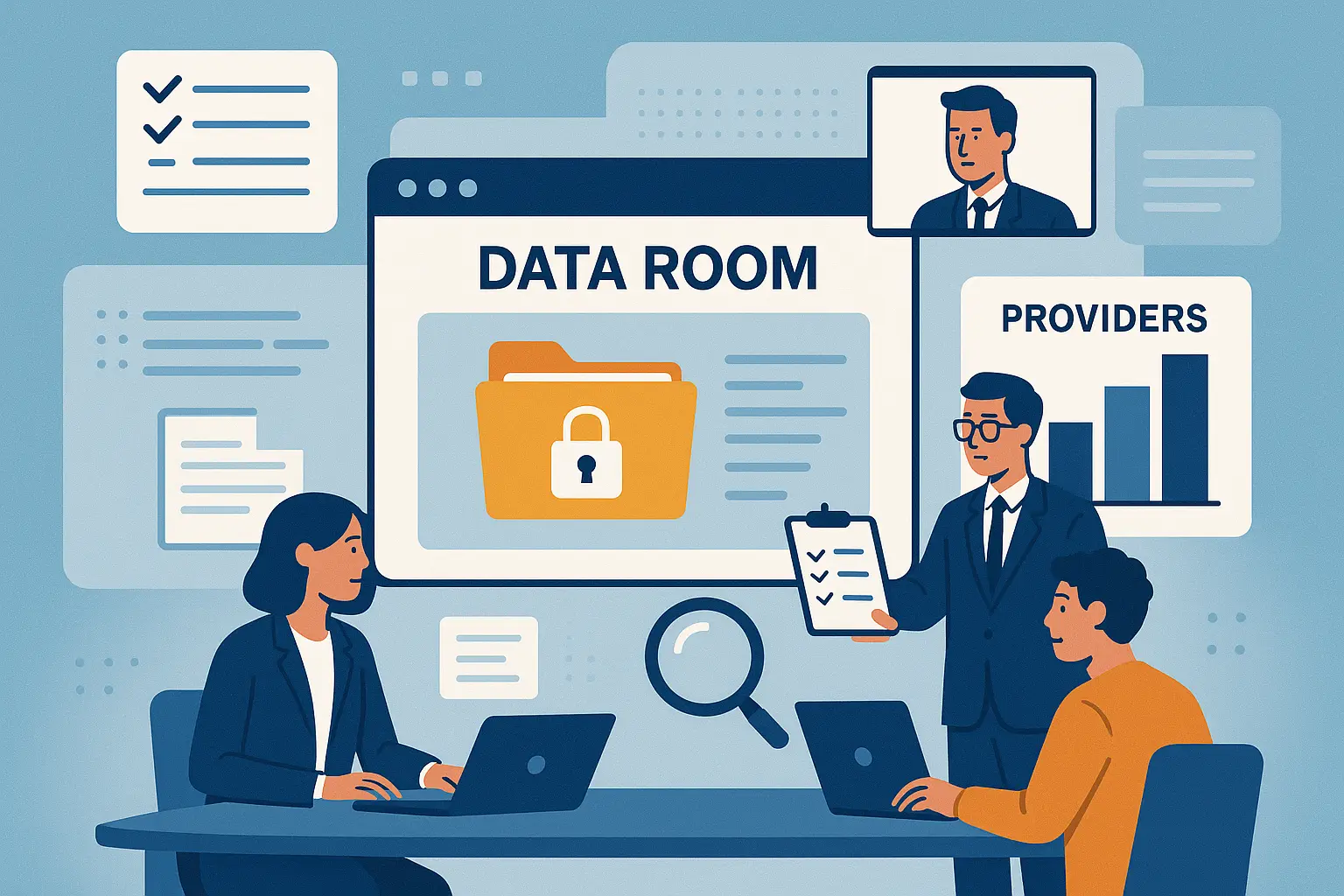
Storing and sharing sensitive business documents was once a huge headache—think stacks of paper, locked filing cabinets, and endless email threads. Today, most companies rely on electronic data rooms (also known as virtual data rooms) to keep this information safe, organized, and easy to manage. In fact, the global market for virtual data rooms is projected to reach $3.2 billion by 2027, reflecting just how essential these tools have become for mergers and acquisitions, fundraising, audits, and more.
But with so many providers out there—each with its own features, pricing, and security promises—choosing the right electronic data room can feel overwhelming. This guide will walk you through what electronic data rooms are, how they work, how the top providers compare, and how to decide which one is right for your needs. Whether you’re a small startup or a large enterprise, understanding your options will help you protect your data, save time, and collaborate with confidence.
What Is an Electronic Data Room?
An electronic data room, often called a virtual data room or VDR, is a secure digital space for storing and sharing sensitive documents. It acts as a vault—accessible only to authorized individuals—where files can be reviewed, organized, and collaborated on without ever leaving a trace in unsecured emails or public cloud drives.
How Electronic Data Rooms Work
Instead of shipping boxes of paperwork or emailing confidential contracts back and forth, businesses upload documents to an encrypted online platform. Each participant gets a custom login, with access tailored to their role. Actions like viewing, downloading, copying, or printing files are tracked, so you always know who did what, and when. The setup supports detailed permissions: perhaps you want a partner to view, but not download, a certain contract—easy to specify. Most platforms also let users search, annotate, and organize content in real time, cutting through the chaos of long email threads and file confusion.
Key Benefits for Businesses
The appeal is simple: speed, safety, and control. Sensitive information—think contracts, intellectual property, financial statements—is guarded behind layers of encryption and strict access controls. Teams work faster, especially when scattered across different locations or time zones. Everything syncs instantly and precisely: revisions, audits, Q&A exchanges, and deal notes all live in one tidy package. Plus, built-in activity logs deliver a clear trail for compliance or dispute resolution.
Typical Use Cases
Electronic data rooms aren’t just for billion-dollar mergers or global corporations. They’re used whenever data must stay confidential: M&A due diligence, fundraising rounds, legal audits, clinical trials, board reporting, or property sales. Whether you’re a tech startup pitching to investors or a law firm handling sensitive disclosures, a VDR keeps your information both protected and efficiently accessible.
Now that you know what an electronic data room is and why it’s valuable, it’s crucial to understand what separates ordinary options from the best-in-class. Next, you’ll discover how to assess providers based on features and standards that matter most for your organization’s needs.
How to Evaluate Electronic Data Room Providers
Essential Security Features to Expect
Security stands at the heart of every electronic data room. Look for providers offering end-to-end encryption, multi-factor authentication, customizable user permissions, and granular document access tracking. The ability to restrict downloads, set expiration dates on files, and deploy dynamic watermarks ensures total control over shared data.

Collaboration and Access Controls
Smooth collaboration relies on user-friendly permission settings. Prefer platforms that let you assign roles—such as view-only, contributor, or administrator—so stakeholders gain appropriate access. Audit trails and instant notifications help you track activity in real time and maintain a transparent record of who does what.
Integration and Customization Options
A reliable data room should fit into your workflow, not disrupt it. Check for integrations with tools your team already uses, such as Microsoft 365, Slack, Google Workspace, and Salesforce. Custom branding and adaptable workflows can also help your data room feel like a true extension of your business.
Pricing Models and Transparent Costs
Some electronic data room providers bill per page, per user, or by storage volume. Others offer flat-rate pricing. Carefully review what’s included—such as user limits, storage quotas, and support tiers—and make sure you understand any additional or hidden fees before committing to a plan.
Compliance and Certification Standards
Especially if you handle sensitive data or operate in regulated sectors, confirm that providers meet industry standards like ISO 27001, SOC 2, GDPR, or HIPAA. Certifications aren’t just marketing points—they’re proof your provider is regularly audited for rigorous data protection practices.
Reliability and Customer Support
System uptime and accessible support teams make a real difference when deadlines are tight. Aim for providers with uptime guarantees and round-the-clock support by phone, chat, or email. Online resources like help centers, guided tutorials, and fast onboarding can also prevent costly downtime.
These criteria help narrow the field, but how do top data room companies actually stack up against each other? It’s time to explore your best options in detail.
Best Electronic Data Room Providers in 2024
iDeals
iDeals leads the pack with an interface that even first-time users find intuitive. Security is uncompromising—think granular permissions, robust two-factor authentication, and in-depth audit trails. Bulk uploads, smart search, and auto-indexing save hours, especially for M&A and compliance-heavy projects. Their support team is quick and available around the clock.
Intralinks
Intralinks is a favorite for global dealmaking. File protection is reinforced with IRM (Information Rights Management) that continues even after download. Real-time tracking and a detailed Q&A module smoothen negotiations and fundraising. It’s also packed with workflow automation to keep your process humming.
Datasite
Datasite specializes in corporate mergers and sell-side mandates. Flagship features like AI-powered redaction and multi-language support come into their own during lengthy due diligence cycles. Activity analytics shine a spotlight on who’s engaging most with your confidential documents.
DealRoom
DealRoom focuses on collaboration—not just file sharing. Integrations with project management tools and a simple folder structure make it easy to keep everyone aligned. Its easy drag-and-drop file management, smart requests, and full audit trails minimize miscommunication during dynamic deals.
Firmex
Firmex offers a balance of security, speed, and price transparency. Organizations handling frequent audits or compliance reviews appreciate unlimited users and data, flat monthly pricing, and an approachable help team. Two-click report generation is a timesaver for regulatory needs.
Ansarada
Ansarada stands out for its deal readiness and streamlined AI document sorting. Its virtual assistant predicts which information is commonly missing—cutting delays right when due diligence is heating up. Built-in checklists and risk scoring solidify its use among consultants and advisors.
SecureDocs
SecureDocs offers no-nonsense security and a setup that takes minutes. Transparent, affordable pricing makes it ideal for startups and mid-sized companies getting investor-ready. Permission-based user roles and customizable NDAs enforce document safety without slowing teams down.
CapLinked
CapLinked brings enterprise-level visibility—version history, permissioning, and customizable watermarks—at a fair price. The standout: a clean dashboard that’s easy to brand for different projects and investors, and interoperable APIs for those who need more automation.
ShareFile
ShareFile by Citrix earns points for simple bulk sending and requesting of documents from external partners. Their legally binding e-signature and Outlook integration reduce time spent toggling between apps. Built-in activity monitoring helps manage ongoing transactions.
DocSend
DocSend is frictionless for sending and tracking confidential decks and proposals. The link-based sharing system gives you precise control—see who’s viewed what, for how long, and even revoke access instantly. Ideal for fundraising and early-stage DD where quick insight matters most.
With so many standout features from each provider, it’s easy to see why choosing the right one can feel overwhelming. To cut through the noise, a side-by-side comparison of key capabilities, security, and value for money can crystallize which solutions align with your business needs.
Data Room Provider Comparison Table
Comparison Table
Finding the right data room isn’t about who tops the charts—it’s about how each platform matches what you actually need. Here’s a straightforward table comparing key players side-by-side, focusing on the features and qualities that users care about most: security, usability, collaboration, customization, pricing, and support.

Each provider shines in specific areas, so focus on your must-haves—whether it’s maximum security, collaboration tools, or no-fuss pricing. As you narrow down the options, consider how your industry and use case might shape the best fit. In the next part, we’ll match leading data rooms to common business challenges, helping you go from features to real-world decision making.
Which Data Room Is Best for Your Situation?
With dozens of electronic data room providers out there, picking one can feel overwhelming. Your decision really depends on what you’re trying to accomplish—whether it’s a high-stakes M&A deal, a fundraising round, legal work, or something unique to your sector. Let’s break down the top options for common scenarios, so you can quickly match your needs to the best platform.
M&A and Due Diligence
If you’re managing mergers, acquisitions, or any process loaded with confidential documents, prioritize platforms with airtight security, granular permissions, and strong activity tracking. iDeals, Intralinks, and Datasite are built for big deals—they offer robust audit trails, watermarking, and advanced Q&A workflows. They also have tools designed specifically for high-pressure diligence so everyone gets the right access without sacrificing security or speed.
Fundraising and Investment
When sharing sensitive business information with potential investors, clarity and control are everything. Look for data rooms that make it easy to organize pitch decks, investor updates, and financial documents—like Firmex, DocSend, or DealRoom. These options let you monitor who’s opening and viewing files in real time, which can give you a read on investor interest and add a layer of accountability to every step. Consider complementing this with a solid startup fundraising strategy to maximize your success.
Legal, Audits, and Compliance
Law firms and audit teams need features for compliant file exchanges, secure document storage, and clear document version history. Providers like Ansarada and SecureDocs provide compliance-friendly features, streamlined access controls, and easy collaboration between multiple stakeholders. If your process is heavily regulated, double-check a provider’s certifications for peace of mind—ISO, SOC 2, and GDPR compliance are good starting points.
Real Estate, Life Sciences, and Other Industries
Some data room vendors have developed solutions for specific verticals—think real estate closings, pharmaceutical licensing, or intellectual property protection. CapLinked and ShareFile, for example, tailor their tools for these uses, offering custom workflows, large file support, and industry-specific templates. If you’re in an industry with unusual requirements, try to shortlist vendors with case studies or clients from your field.
No single provider is perfect for everyone—think of your data room as a tool best fit for your scenario. Up next, we’ll help you quickly home in on key questions and features to guide your selection, so you can move from research to decision without missing any critical details.
How to Choose: A Quick Checklist
Identify Your Core Needs
Pinpoint exactly what you’ll use the data room for: Are you chasing a faster deal in M&A, managing corporate records, or enabling secure investor access? Clarity here will narrow your search far more than any sales demo.
Prioritize Features That Matter to You
Not every business values the same bells and whistles. Rank what’s truly essential—think two-factor authentication, granular permissions, built-in Q&A, or mobile app support. Ignore extras you’ll never use.
Check for Scalability
Will the platform handle more users, more data, or more rooms if your project grows? You don’t want to migrate later, so confirm this up front.
Request Demos or Free Trials
Let your team test drive real workflows. Make sure key features work as promised and the interface makes sense to those who will use it daily.
Read Independent User Reviews
Scan platforms like G2 or Capterra for unfiltered feedback. Look for repeated comments—good and bad—about service speed, ease of use, or surprise fees. The trends matter more than one-off rants.
With these steps, you’ll avoid the common pitfalls and land on a provider that fits both your workflow and your budget. Next, we’ll break down exactly how top contenders stack up, side by side.
Frequently Asked Questions About Electronic Data Room Providers
What exactly is the difference between an electronic data room and standard cloud storage?
An electronic data room offers more than just file storage. It adds tailored features like granular permission settings, activity tracking on every document, robust encryption, watermarking, and audit trails. These tools help ensure sensitive information stays confidential and enables regulated sharing among deal participants—something you won’t find in basic cloud drives.
How can I be sure my confidential files stay private with a data room provider?
Look for providers that offer multi-layered security: end-to-end encryption (in transit and at rest), two-factor authentication, and strong access controls. Also, check for independent security certifications like ISO 27001 or SOC 2—these indicate regular third-party security audits.
Can data rooms track who views or downloads each file?
Yes. Top providers log every action, from simple views to downloads and prints. You can see timestamps, user identities, and even how long someone spent on a specific document page. This audit trail is essential for accountability during high-stakes projects.
Are data rooms complicated or time-consuming to set up?
Most leading platforms are quick to deploy—sometimes in under 15 minutes. Many offer step-by-step wizards and drag-and-drop uploads. Bulk uploads and folder structures can often be copied straight from your desktop or cloud storage, minimizing onboarding headaches.
How do electronic data rooms support collaboration?
They allow teams to work together securely without risk. Features like permission-based Q&A threads, document commenting, real-time notifications, and role-based access ensure everyone stays up to date without leaking sensitive details.
Is there a big difference in cost and contract terms between providers?
Yes, costs and contracts vary widely. Some work on flat monthly fees, others charge per page, user, or project. While a few offer monthly rolling agreements, others require multi-month or annual commitments. Always check for hidden limits (like storage or user caps) to avoid last-minute surprises.
Now that you’ve got answers to the most common questions about data room providers, it’s time to dive into how the leading platforms stack up against each other—so you can see which one actually delivers on the features and reliability you need.