
Data Room Software: Features, Use Cases, and How to Choose

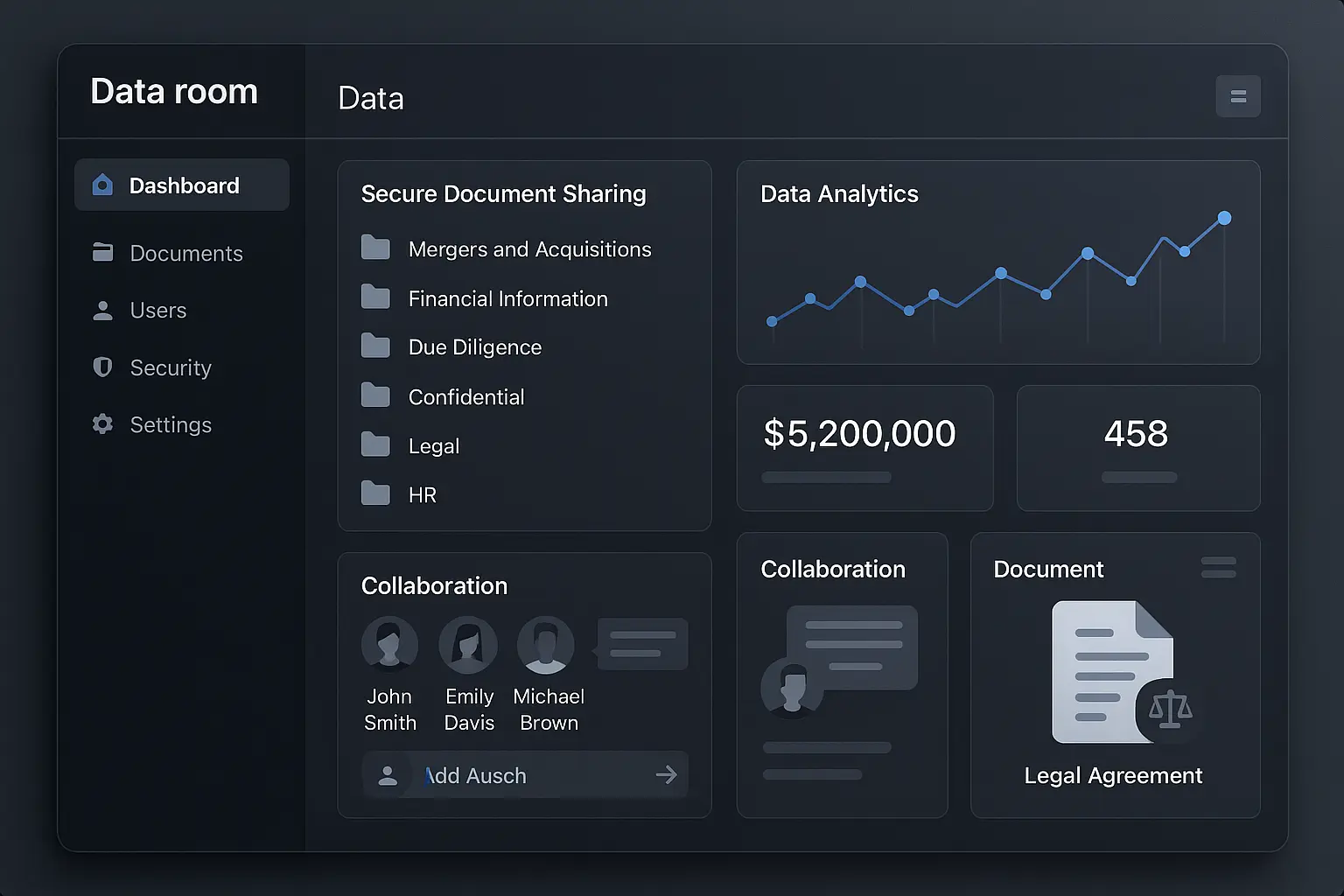
Storing and sharing sensitive documents isn’t as simple as attaching a file to an email—especially when you’re handling legal papers, confidential business deals, or collaboration between multiple parties. That’s where data room software comes in. Over half of all M&A deals today happen through virtual data rooms, according to Statista, highlighting how essential these tools have become for secure and efficient information management.
But with so many providers and features out there, finding the right data room can feel confusing. What exactly does this software do? How does it keep your documents safe? And beyond mergers and acquisitions, what other situations make a data room a smart choice? In this guide, we’ll walk through the essentials—key features, common use cases, and practical advice on choosing the best fit for your needs—so you can make sense of your options with confidence.
Understanding Data Room Software
What is Data Room Software?
Data room software is a secure online space designed for storing and sharing sensitive documents. Unlike public cloud storage, data rooms focus on confidentiality, providing a reliable platform for transactions and projects where privacy is essential. Originally used in financial deals, virtual data rooms are now trusted across many sectors for their stringent protection and granular control over file access.
How Data Rooms Differ from Traditional File Sharing
Standard file-sharing tools prioritize convenience, but data rooms are all about control. While a typical file-sharing service lets users upload and send files, data room software wraps each document in layers of security. Features like watermarking, expiry dates for links, and the ability to prevent downloads ensure that only authorized parties access confidential information, and only on your terms. Activities within the data room are also tracked in detail, leaving no blind spots regarding who viewed what—and when.
Key Benefits
Smart access control, encrypted storage, and detailed audit trails aren’t just buzzwords—they’re what set data rooms apart. With these tools, businesses can speed up complex processes like due diligence, keep sensitive negotiations under wraps, and ensure regulatory requirements are met. No more worrying about lost paperwork or unauthorized downloads; every interaction with a file is logged and manageable. The result? Peace of mind for all parties involved.
To get the most out of a data room, it helps to know which features make the real difference. Next, we’ll zero in on what you should be looking for when comparing different platforms.
Essential Features to Look For
Security Controls
Data room software must safeguard sensitive content from unauthorized access. Look for end-to-end encryption, granular permission settings, dynamic watermarks, and two-factor authentication. Expiry dates and remote wipe options add critical peace of mind when documents leave your immediate oversight.
User Management and Permissions
Effective user management lets you set precise access rights for every participant. The best data rooms allow owner-defined roles, custom permission groups, and tailored folder or document-level controls. Tracking who has viewed or edited files is also essential for accountability.
Document Organization and Search
A logical folder structure, bulk upload, and drag-and-drop capability make setup straightforward. Advanced search features—like full-text and filter-based search—help teams find what they need without digging through endless folders. Built-in file indexing streamlines the process further.
Real-Time Audit Trails
Transparency is key in sensitive transactions. Data room audit trails record every user activity—views, downloads, edits, and shares. Timestamped logs ensure you always know who accessed what and when, simplifying regulatory compliance and internal reviews.
Collaboration Tools
Comments, task assignments, and secure built-in Q&A modules keep deal negotiations and communications organized in one secure space. Document versioning and notifications ensure everyone stays focused on the most current information.
Integrations and Accessibility
The best solutions are not standalone silos. Integration with file storage platforms, e-signature tools, and productivity apps saves time and reduces context switching. Secure mobile access allows decision-makers to review files or respond to questions on the go, without compromising security.
Once you know what core features matter most, you can better match them to your particular scenario. Up next, let’s explore in which situations a data room brings the most value—and what to look for based on your intended use.
When and Why to Use Data Room Software
Mergers and Acquisitions (M&A) Due Diligence
During M&A deals, companies must share large volumes of confidential documents—financial statements, contracts, intellectual property—with other parties. Data room software creates a locked-down environment where only authorized individuals can view or interact with sensitive files. Version control, watermarking, and granular permissions help prevent accidental leaks or unauthorized downloads, ensuring that deal-critical data doesn’t spill beyond the negotiating table.
Fundraising and Investment Rounds
Startups and growing businesses can’t afford to mismanage investor due diligence. By storing pitch decks, shareholder agreements, and cap tables in a secure digital data room, companies ensure that VCs and potential investors access the latest, most trustworthy documents. Built-in activity tracking also helps founders see who’s actively reviewing materials, providing cues about investor interest.
Legal and Compliance Review
Legal teams depend on data room software to manage sensitive compliance reviews, litigation files, and regulatory audits. These tools make it easy to organize documentation chronologically or thematically and to control who can download, print, or edit specific records. Detailed audit logs also mean no action goes unnoticed, which is crucial for legal defensibility.
Real Estate Transactions
From property sales to complex lease negotiations, real estate teams use data rooms to share contracts, site plans, and permits with buyers, brokers, and legal advisors. Controlled access prevents competitors or unauthorized parties from seeing private deal terms. Document expiration dates and Q&A features streamline discussions and fast-track closings.
Board and Investor Communication
Data room software transforms how boards and investors receive and review materials, such as meeting minutes, financial reports, and strategic updates. Instead of scattered email attachments, directors find everything centralized—protected by encryption and strong authentication—helping preserve trust and encourage open conversation.
Other Common Use Cases
Beyond high-stakes financial or legal events, organizations use data rooms for RFP management, clinical trials, intellectual property sharing, and joint ventures. Any scenario demanding airtight document control and auditable access logs benefits from this technology.
Knowing when to implement a data room can mean the difference between smooth collaboration and sleepless nights over data exposure. As you explore which tools best fit your needs, it’s helpful to see how leading platforms stack up on features and user experience.
Comparing Leading Data Room Software Providers
Comparison Table: Top Providers and Standout Features
Not all data room platforms serve the same audience or priorities. Some providers cater to complex M&A transactions, while others keep things simple for fundraising or internal collaboration. To help visualize these differences, the chart below scores top vendors on two fronts: feature satisfaction and vendor experience.
The horizontal axis reflects how extensive and well-received each product’s features are, while the vertical axis gauges customer experiences with support, onboarding, and upgrades. Use this visual as a cheat sheet: vendors in the upper right tend to deliver a balance of advanced tools and strong support, while those clustered elsewhere may stand out in just one area.
Provider Spotlight: Strengths and Potential Drawbacks
iDeals: Praised for its granular permissions, fast onboarding, and extensive security certifications. Document Q&A is intuitive. However, pricing can be higher for smaller teams, and the interface sometimes feels dated.
Intralinks: Built for large enterprises, Intralinks offers deep audit logs, process automation, and local data residency. Setting it up requires more time, and extra modules can add up in cost.
Datasite: Designed with M&A at the forefront, Datasite handles huge file volumes, secure redaction, and multilingual support. The learning curve is steeper, and some users mention slower customer service turnaround.
Merrill (DatasiteOne): Well-suited for legal and financial reviews, Merrill stands out with clean dashboards and legal compliance. It lacks some of the newer collaboration tools competitors offer.
Firmex: Popular for fundraising and private equity, Firmex prioritizes speed and ease of use. Reporting is straightforward but less customizable than some enterprise solutions.
SecureDocs: Affordable with a flat-rate pricing model, SecureDocs is ideal for midmarket firms looking for no-fuss deployment. Feature set is focused, so advanced analytics are limited.
With an understanding of the landscape, you’re now ready to explore how to match features and vendor strengths with your specific business needs—as well as key steps that will simplify your decision process.
How to Choose Data Room Software for Your Needs
Assessing Your Requirements
Before diving into the selection process, clarify your project’s needs. Start by mapping out how many people will use the data room and what types of files you’ll be storing. Will you be hosting thousands of legal documents for a merger, or sharing select board materials with investors? Identifying your specific workflow and sensitivity of information helps zero in on platforms built for your scenario.
Feature Checklist for Selection
Once you know your use case, make a checklist. Prioritize features like granular permissions, bulk file uploading, document watermarking, and detailed audit logs if security tops your list. If your team needs to leave comments or annotate files, look for integrated Q&A and annotation tools. Compatibility with your current software—like Microsoft Office or Google Workspace—can save plenty of headaches later.
Questions to Ask Providers
When researching options, ask targeted questions: How does the platform handle encrypted storage? What happens if you need urgent support? Does the vendor offer role-based access controls, and how easy is it to revoke access instantly? Clarify whether there are limits on storage or users, and probe for real examples of downtime or security incidents.
Requesting a Free Trial and Demo
Most reputable data room software providers offer a free trial period or a live demo. Take this opportunity to upload documents, invite a few colleagues, and test features like notifications and file versioning. Pay attention to navigation and response times, as a smooth user experience matters when deadlines loom. Don’t hesitate to quiz the product specialist on workflows unique to your organization.
Now that you know the process of narrowing your choices, let’s walk through how to set up your data room to ensure everything runs seamlessly from day one.
Tips for a Smooth Data Room Setup
Best Practices for Uploading and Organizing Files
Before you upload anything, sort your documents locally and set up a logical folder structure that mimics the way your team works. Create clear, intuitive main folders for categories like financials, contracts, and HR, and use consistent naming conventions so files are easy to find. Batch-uploading documents with standardized names ensures nothing gets misplaced during migration. Avoid uploading duplicates or outdated drafts—review contents so only the most current documents make it inside.
Inviting and Managing Users Securely
When it’s time to invite users, assign permissions based strictly on need-to-know access. Set granular roles instead of blanket permissions to prevent unnecessary exposure of sensitive information. For groups handling confidential items, enable features like two-factor authentication at user onboarding. Regularly review user lists and access logs to keep your data room lean and secure—remove or downgrade any unnecessary users as your project evolves.
Maintaining Privacy Throughout the Project
Turn on document watermarking and set view-only permissions for especially sensitive files. Schedule periodic audits of activity logs so you can quickly spot any unusual access patterns. If your software supports it, use expiry dates for user access, so temporary collaborators don’t linger after their role ends. Always keep your team updated on privacy features and changes—simple reminders and briefings go a long way in preventing slip-ups.
Getting your data room in order at the outset paves the way for smooth, distraction-free collaboration. Once your setup is squared away, you’ll be prepared to resolve any lingering doubts and address common concerns users may have about data room software.
Frequently Asked Questions About Data Room Software
What are the main differences between a virtual data room and cloud storage like Google Drive or Dropbox?
Virtual data rooms offer advanced security features—such as dynamic watermarking, fence view, and granular permission settings—not available in general-purpose cloud storage. They’re designed for deal-making and sensitive workflows, letting you monitor every document interaction down to user and time stamp.
Is it complicated to set up a data room?
Modern data room platforms are designed to be intuitive; most offer guided onboarding, drag-and-drop folder creation, and clear permission templates for various user roles. You don’t need IT expertise to get started, but preparing your files and structure in advance always helps.
How secure are virtual data rooms?
Reputable providers use encryption, two-factor authentication, and compliance with security standards like ISO 27001 or SOC 2 Type II. You can also control file access in detail—for example, blocking downloads or enabling view-only modes—even after a file is shared.
Can I monitor who’s viewed or downloaded documents?
Yes. Detailed audit logs track each user’s activity: when they log in, pages they view, files they download, and even time spent on individual documents. Some providers offer real-time alerts for sensitive actions.
What industries use data room software?
While M&A is the most typical use case, data rooms are also common in legal, biotech, private equity, commercial real estate, pharmaceuticals, and enterprise fundraising, wherever confidential document exchange and compliance are necessary.
Can I use a data room for ongoing board or investor reporting?
Absolutely. Data rooms aren’t just for one-off deals: they’re often used to share sensitive company updates, financial reports, and strategic plans with board members and key investors—without email risk or accidental forwarding.
Now that you know what to expect from a data room platform, let’s look at how different providers stack up on features, reliability, and user satisfaction.