
Fundraising Process Email Syncing: How to Keep Communications Flowing

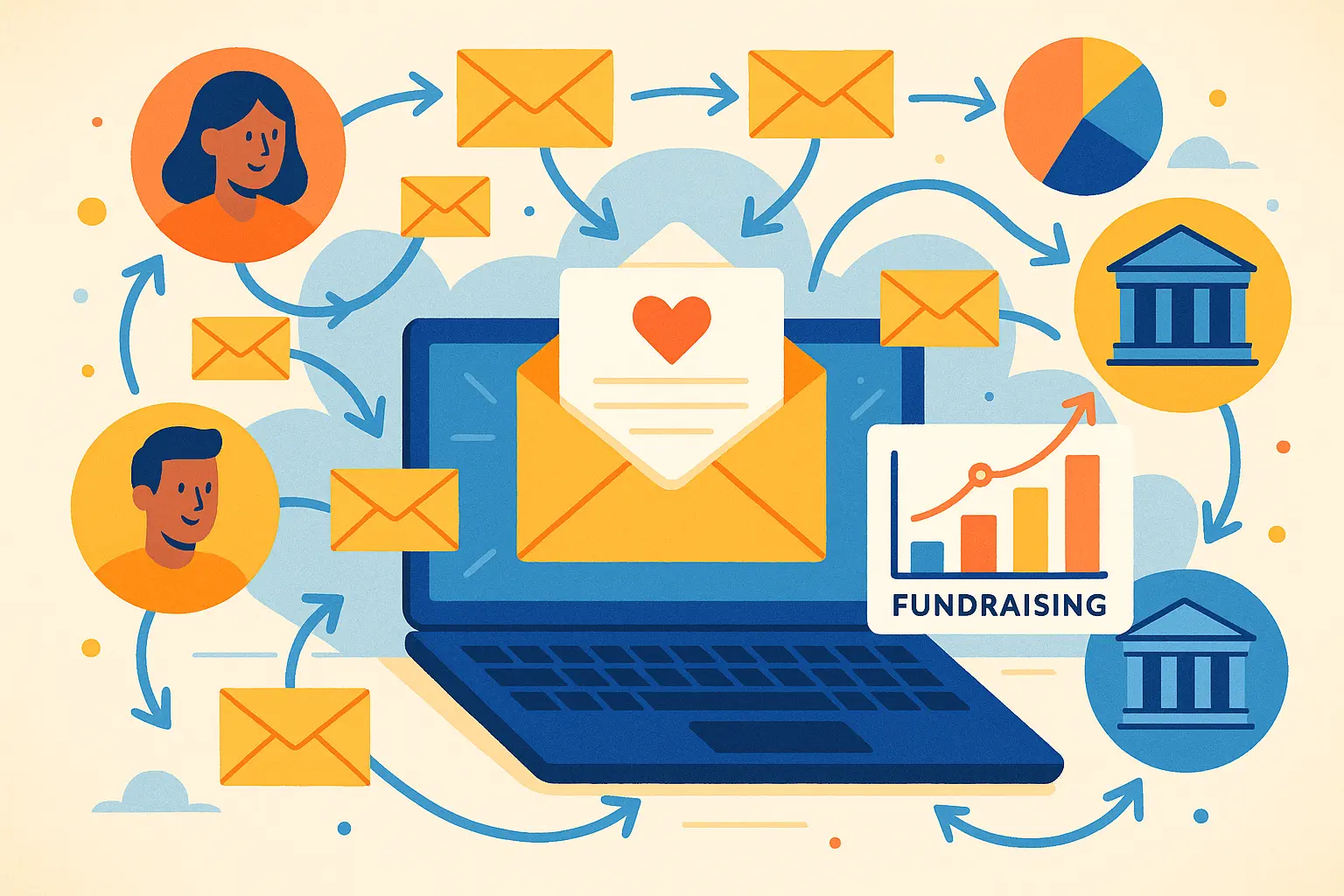
Keeping track of every email during a fundraising campaign is no small task. As fundraising moves faster and more online, conversations with potential donors, partners, and your team can span dozens—or even hundreds—of emails. An insightful industry survey found that 64% of nonprofits said they struggled to keep donor communications organized, leading to missed opportunities and confusion. Email syncing offers a way to stay on top of all those messages, making sure everyone on your team sees the same information and nothing slips through the cracks. In this post, we’ll explore how syncing emails makes the fundraising process smoother, helps your team stay in sync, and saves hours of manual work—so you can focus more on building meaningful relationships and less on chasing down communication threads.
Why Email Sync Matters in the Fundraising Process
Visibility for Teams and Donor Pipelines
Fundraising thrives on timely connections and clear insight. When every email with a prospect or donor lands in just one private inbox, it creates a wall within your team. Syncing emails lifts that barrier. The moment an important conversation happens—whether a pledge, a question, or a scheduling update—everyone with access to your CRM or fundraising tool sees it. Now, no one’s left guessing where things stand or, worse, duplicating outreach that makes your organization look disorganized. This transparency builds trust within the team and ensures donor relationships progress smoothly.
Reducing Manual Entry and Errors
Logging every update by hand is tedious, and in the rush of crowdfunding or campaign season, details inevitably get lost. Email syncing seamlessly pulls communication threads into your donor database, attaching messages to the right contact records. It catches those late-night replies and the back-and-forths that might otherwise slip through the cracks. With less manual entry, your team stays focused on building relationships instead of wrangling spreadsheets—plus, your data stays cleaner and more up to date.
Understanding the ‘why’ behind email syncing lays the groundwork to figure out how these systems actually connect and operate in your workflow. Next, we’ll look at what goes into the nuts and bolts of syncing, and how to bring all your emails into one unified pipeline.
How Email Syncing Works with Fundraising Tools
Popular Email and CRM Integrations
Most modern fundraising platforms offer integrations with the major email providers your team already uses, like Gmail or Outlook. These integrations connect your inbox directly with your CRM, so every conversation with donors and prospects gets captured where you manage your relationships. Platforms such as Salesforce, HubSpot, and Bloomerang make it simple to link your accounts — often with just a few clicks and the right permissions.
Once connected, sent and received emails are automatically attached to donor profiles inside your fundraising system. This means that anyone on your team can see the full communication history in real time, regardless of who sent the message. No more digging through personal inboxes to piece together the story when it’s all in one view.

How Syncing Tracks Conversations Automatically
Email syncing works quietly in the background. When you exchange messages with a donor, the integration checks the email address against the CRM. If there’s a match, the system links the email to the corresponding donor record. This includes the entire thread, even if others are cc’d or if replies go back and forth over weeks. Attachments, meeting invites, and internal notes stay tethered to that contact.
This continuous syncing means your records remain up-to-date without extra effort. Everyone stays looped in on the history of each donor, which comes in handy during meetings, stewardship efforts, and when planning the next outreach. Smoother collaboration arises when context isn’t lost in individual inboxes, but shared across the whole team.
Next, it’s worth looking at how to actually set up these integrations and pick the right options — since a well-executed sync makes all the difference in your workflow.
Setting Up Email Syncing for Fundraising Success
Choosing the Right Sync Option
Email syncing isn’t a one-size-fits-all recipe—there are countless options out there, each with their perks. Some teams prefer native integrations offered by their fundraising CRM, while others turn to standalone middleware tools. As you weigh options, consider your team’s email platform (Gmail, Outlook, etc.), the fundraising tools you use, and your preferred workflow. Prioritize solutions that offer real-time updates and can easily scale as your pipeline grows.
Permissions and Privacy: What to Consider
Not every fundraising conversation is for all eyes. Before flipping the switch, define exactly what gets synced—and who can view it. Look for tools that let users toggle privacy on sensitive emails or exclude personal threads. Double-check how data is encrypted and stored, especially if your conversations contain confidential donor details. A few minutes in the settings now can prevent headaches—and awkward slip-ups—down the road.
Walkthrough: Connecting Email to a Fundraising CRM
Connecting your inbox boils down to a few clear steps. First, log into your fundraising CRM, head to the integrations or settings tab, and select your email provider. You’ll likely need to grant secure permissions; review them before approving. Next, tweak your sync preferences—choose whether to link the entire inbox or just threads linked to deals and contacts. Once connected, the CRM should pull in relevant emails, attaching them automatically to contact records or pipeline stages. Review a few synced records to make sure everything’s showing up as expected. Fix any mismatches early so you don’t have to untangle threads later.
With syncing switched on and your privacy preferences set, your entire fundraising team will step into meetings and donor calls already knowing the latest details. Up next, let’s address what to do if your new email sync setup runs into a snag.
Thank you for reading EasyVC’s blog!
Are you looking for investors for your startup?
Try EasyVC for free and automate your investor outreach through portfolio founders!
Troubleshooting Common Email Syncing Issues
Missed Emails or Incomplete Threads
Ever check your fundraising CRM and find a gaping hole where a crucial message should be? Syncing glitches can mean some emails vanish or conversation threads get chopped in half. First, check if your email filters exclude certain folders—“Promotions” or “Updates” often get missed. Confirm that the connected mailbox matches the one used for outreach. If you use aliases, make sure your CRM supports syncing for those too. Sometimes, fully reauthorizing the sync solves the issue, especially if password changes or security prompts interrupted the connection.
Duplicate Contact Records
Duplicate contacts clutter your database and muddy your prospect research. These often spring up when syncing from multiple sources without clear merging rules, or if team members use variations of the same email address. Most fundraising tools offer a deduplication feature—run that regularly, and set strict naming conventions for contacts. Double check settings for how your CRM matches incoming emails to records; tightening these match rules can prevent two John Smiths at one company from becoming four.
Sync Delays and Fixes
That “real-time” sync sometimes feels more like “wait-and-see”? Sync delays can result from overloaded API connections or background throttling by your email provider. Look for error logs in your platform for warnings about connection limits or queue backlogs. If syncing stalls after days or weeks, sometimes disabling and reconnecting your email integration works wonders. Ensure your team’s email isn’t hitting mailbox size limits, which can silently block syncing. Regularly updating both your CRM app and email client helps patch newly discovered bugs that can cause lag.
Once you’ve got syncing issues under control, it’s time to focus on strategies that turn your streamlined inbox into fundraising momentum. Let’s look at ways to truly get the most out of your synced data and keep your workflow humming.
Best Practices to Maximize Email Syncing in Your Fundraising Workflow
Maintaining Data Hygiene
Email syncing can quickly turn messy if data isn’t kept tidy. Schedule brief, regular reviews to clean out duplicate contacts, merge overlapping records, and fix inconsistent information. Double-check that contact names, organizations, and email addresses match across platforms. Use tagging or segmentation to separate donors by stage or interest, so your team avoids cross-wires and confusion with outreach.
Keeping Team Access Secure
Every synced account is a door to your fundraising data, so gatekeeping matters. Limit access to only those who need it. Use platforms that support role-based permissions, so that sensitive conversations and donor notes don’t end up in the wrong hands. When team members change roles or leave, revoke access immediately to lock the system back down. Two-factor authentication adds an extra layer of protection against prying eyes.
Automating Follow-Ups without Losing the Personal Touch
Smart automation tools can schedule reminders and draft responses, but avoid generic email blasts to your prospects. Instead, use syncing to trigger tailored follow-ups based on real conversations—such as sending a thank you or sharing updates right after a donor reply. Review automated emails before they go out to add names, references to recent meetings, or other small details that show you’re paying attention.
By tightening up these email syncing habits, your team can focus less on logistics and more on building lasting relationships. Next, let’s confront those technical hiccups that might disrupt your communications flow.
The Future of Email Syncing in Fundraising
AI, Automations, and What’s Next
Fundraising teams today experience fewer bottlenecks as email syncing moves beyond simple message archiving and leans into smarter automation. Artificial intelligence isn’t a buzzword here—AI-powered syncing can recognize fundraising signals in donor emails, suggesting next steps or flagging high-intent messages for urgent follow-up. Some systems now categorize conversations, prioritize threads, or even draft tailored responses, freeing up hours that would be lost in manual admin.
Automation will soon handle the majority of repetitive data entry. Calendars will link directly to email threads, route donor meetings into CRMs, and automatically highlight the most promising leads. As syncing tools become more intuitive, teams can expect fewer missed connections and greater clarity in donor pipelines.
Looking further ahead, expect syncing technologies to break down silos—not only bridging inboxes and CRMs, but also integrating seamlessly with messaging apps, video calls, and even donor analytics platforms. The result: one unified history of every touchpoint, letting fundraisers step back from repetitive processes and focus on what matters—building relationships.
While the future brings faster, smarter syncing, it’s not without complexity. Staying ahead of the curve requires knowing what to do when technology falters or data goes astray, so a thoughtful approach to new tools is key. Let’s explore how to maneuver around common syncing snags and keep communications glitch-free.