
Google Sheet Templates for Startups: Essential Tools for Growth

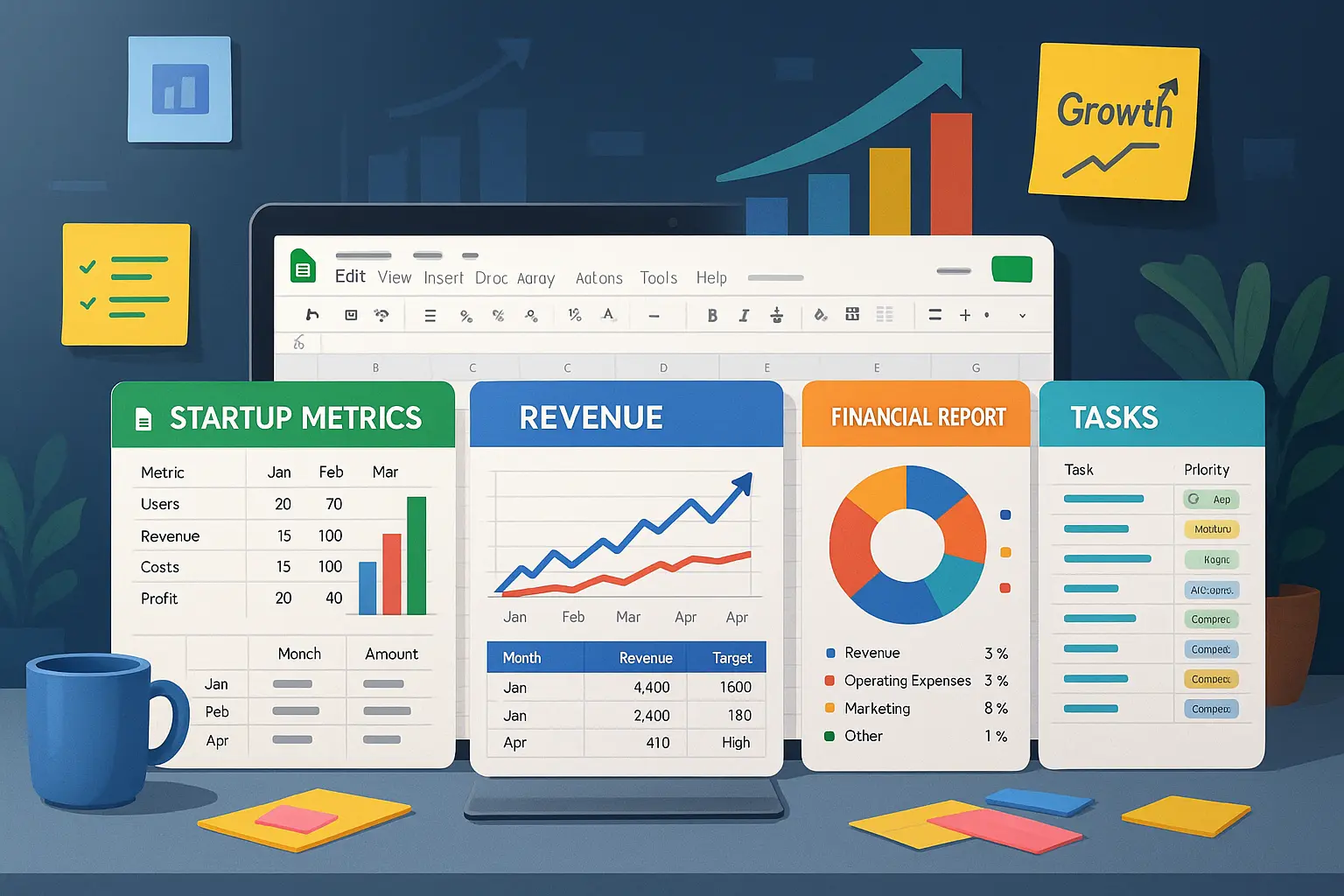
Launching a startup is mostly about moving fast, making decisions quickly, and keeping track of a thousand things at once. But here’s the thing: most early stage founders wear a lot of hats, and building complicated financial models or tracking sales in a tangle of email chains can waste hours you don’t have. According to Google, over 2 billion people use Google Workspace tools each month, with Google Sheets being a top choice for startups worldwide because of its simplicity, ease of sharing, and built-in collaboration.
Ready-to-use Google Sheet templates are more than just a shortcut—they’re a lifeline for teams who want to keep their focus on building products, not wrestling with spreadsheets. The right template can help you quickly estimate runway, plan hiring, track revenue, or get investor-ready, all without starting from scratch. In this article, we’ll dig into why templates matter for efficiency, which ones are essential for early-stage startups, and how these tools can genuinely make your life easier—especially when resources are tight.
Why Google Sheet Templates Save Time for Startups
Benefits vs. Custom Spreadsheets
Startups thrive on speed, but creating spreadsheets from scratch can drag out decision-making and distract from real progress. Ready-made Google Sheet templates let founders skip the tedious groundwork—no laborious formatting, formula-tinkering, or structural guesswork. Instead, you get a plug-and-play framework designed for common business tasks: tracking budgets, projecting sales, mapping pipelines, and more.
Unlike homegrown spreadsheets that often carry hidden mistakes or inconsistent formats, templates have often been vetted for accuracy and clarity. This means fewer errors slipping through the cracks—and more reliable numbers for pitches, planning, or pivoting.
Collaboration, Automation, and Access
Google Sheets templates let your entire team jump in at once. Real-time editing means founders, marketers, and analysts can update the same figures without waiting on clunky email chains. Even better, built-in sharing settings keep sensitive numbers visible only to the right people.
Many templates also come equipped with formulas, dashboards, and automated calculations from day one. That means less busywork: revenue updates, expense tallies, and headline metrics can refresh instantly, reducing the risk of copy-paste errors or missing details. And because everything lives in the cloud, team members can work from anywhere—perfect for fast-moving startups with remote contributors.
If you’re ready to give your startup a head start, you’ll want to know which spreadsheet frameworks have already solved these headaches—let’s explore the standout templates that founders recommend most.
Top Startup Google Sheet Templates (with Free Downloads)
Your startup’s early moves set the stage for growth—and the right Google Sheet templates help you track essential data without the hours lost wrangling formulas. Here are some must-have templates you can download and use today.
Startup Financial Model

This template covers your revenue projections, expense assumptions, and growth scenarios. It includes built-in charts for visualizing subscriber growth and revenue streams, helping you test different strategies and spot trends before they become obvious in your bank balance.
Runway & Cash Forecast
See how many months of oxygen your startup has left. This sheet quickly lays out your current cash, burn rate, and projected runway, updating as you tweak expenses or new investment. Perfect for keeping “how many months left?” off the whiteboard and on the spreadsheet.
SaaS Metrics Dashboard
For software startups, this dashboard tracks Monthly Recurring Revenue (MRR), churn, Lifetime Value, and Customer Acquisition Cost. With real-time metrics and color-coded alerts, you can raise red flags before retention or revenue slip below healthy levels.
Startup Budget and Expense Tracker
No more hunting for receipt emails or scrolling bank feeds. This template breaks down every outgoing dollar—founder salaries, coffee refills, and even unexpected SaaS upgrades—making your spend visible, sortable, and under control.
Revenue and Sales Pipeline Tracker
Get a live view of potential deals, sales stages, and closed revenue. Built for both founders who are winging it and sales teams starting to hit their stride, this tracker helps forecast cash flow and identify which deals need attention now.
Investor Report Pack
Keep investors close (and impressed) with a ready-to-send reporting sheet. Track KPIs, financials, major wins, and milestones—making your update emails faster and your fundraising story more convincing.
Hiring Plan & Team Costing
Map out every hire’s cost—including benefits and taxes—plus visualize when you’ll need to hire key roles. Make your headcount planning clear for both board meetings and your own sanity checks.
Choosing the right template isn’t just about aesthetics. Up next, let’s break down how to pick the best fit for your team and stage—and what features matter most as you scale.
How to Choose the Right Template For Your Team
Matching Templates to Your Startup Stage
Identify where your startup sits on its journey—this will focus your search for the right template. If you’re developing an MVP or validating your idea, simple project trackers or budget templates can help you stay organized without clutter. In contrast, post-launch companies tracking revenue, churn, or funding use cases will need richer templates, such as detailed financial models and dashboards. Getting specific about your goals helps filter out anything that adds noise or gets ignored.
Template Features to Look For
Not all Google Sheet templates are built with startups in mind. Scan for built-in formulas, clear layouts, and dashboards that quickly translate data into insights. For fast-moving teams, check for real-time collaboration options, automation potential (for instance, integrations with email or Slack), and permission controls if sensitive numbers are involved. Simple drop-downs and sanity-checked inputs prevent mistakes and keep your data clean as your team grows. A good template should adapt as your needs change—look for flexible structures that won’t force you to start from scratch with every new milestone.
The right template saves time now and lets you scale up processes later. Next, let’s explore how you can fine-tune these templates to fit your unique workflow and automate repetitive work for even more impact.
Thank you for reading EasyVC’s blog!
Are you looking for investors for your startup?
Try EasyVC for free and automate your investor outreach through portfolio founders!
Ready to power up your processes and stop drowning in clunky spreadsheets? With the right templates, even a tiny startup can track growth, forecast cash runway, and impress investors—faster than you think.
Explore, tweak, and make them your own. Your team’s next breakthrough might just be a template away.
Next, let’s look at clever ways to customize and automate your templates so they work just as hard as you do.
Quick Tips: Customizing and Automating Your Templates
Integrating Data from Other Tools
No startup is an island of spreadsheets. Connect your Google Sheets to tools like Stripe or HubSpot using add-ons such as Coupler.io or Zapier. This way, new payments, leads, or support tickets flow straight into your tracking dashboards, saving countless hours spent on copy-paste. You can even combine multiple data streams in one place and build live dashboards that never go stale.
Setting Up Smart Alerts and Reminders
Don’t leave important dates or targets to chance. Use Google Sheets’ built-in notifications or automate emails with Apps Script when budget thresholds or deadlines are approaching. For instance, you can trigger a reminder if your runway dips below three months, or if a sales lead hasn’t been followed up in a week. Your spreadsheets can nudge your team before something slips through the cracks.
Collaborative Usage: User Permissions and Access
Keep things under control by setting precise share settings—give your CFO edit access, your team lead comment rights, and investors view-only links. For bulk changes, the Protected Ranges tool prevents accidental overwrites and keeps sensitive data safe. This way, everyone’s on the same page but only the right people hold the pen.
Once you’ve made these tweaks, your templates become living, connected tools. Next, let’s see where to find reliable, up-to-date templates that don’t just look polished but also keep pace with your startup’s ambitions.
Where to Find the Best and Most Reliable Google Sheet Templates for Startups
Curated Template Libraries
Skip the search through endless template jungles—there are several trusted hubs where quality Google Sheet templates are handpicked and regularly updated. Websites like GoSheets.io or SMB Templates offer collections shaped for startup needs: fundraising decks, hiring plans, KPIs, and more. These platforms vet their offerings, so you won’t waste time with broken links or outdated layouts.
For official options, Google’s own Template Gallery is a safe starting line, especially for common needs like budgeting, cash forecasting, and project tracking. If you want a stronger startup focus, browse marketplaces on Etsy or look for startup-focused collections on Toptal.
Community Recommendations & Open Source Options
Many founders openly share their battle-tested sheets on forums like Indie Hackers, Product Hunt, and various startup Subreddits. These templates are often used in the wild—iterated and improved by early adopters—which means less fluff and more practical value. Explore posts tagged with “template” or “Google Sheets” to uncover hidden gems.
You’ll also find open-source options on GitHub. Although these often require a bit more tinkering, they offer transparency and room for customization. Some repositories collect everything from fundraising trackers to cohort analysis sheets.
Choosing where to source your templates is just the first step—knowing how to leverage and adapt them for your own workflow will unlock their real power. Let’s dive into how other startups have used these tools to accelerate growth and streamline their operations.
Startup Success Stories Using Google Sheet Templates
Boosting Productivity and Fundraising
When the founders at LaunchPad launched their pre-seed SaaS platform, every dollar mattered. Instead of paying for expensive financial planning tools, they built their entire early fundraising strategy around a free Google Sheets financial model template. The sheet helped them forecast revenue, manage investor asks, and share live numbers with backers during meetings. Their transparent approach became a talking point—angels loved the clarity and opted in sooner. By tracking potiential investors and follow-ups in a dedicated “Investor Tracker” tab, LaunchPad never missed a funding opportunity. Within three months, they closed their $400K round.
Streamlining Operations in Early Stages
Another example: EcoDrive, a pre-launch cleantech startup with no full-time ops hires, jumped into Google Sheets to handle everything from team scheduling to supplier quoting. Their custom pipeline tracker—built on a simple template—let them spot supply bottlenecks early and reassign tasks in real-time across continents. Since their operations templates lived in Google Sheets, everyone had access, and updates happened instantly, meaning no lost emails or outdated PDFs. In their first six months, EcoDrive fulfilled orders ahead of competitors and credits much of this agility to their living, breathing spreadsheets.
These stories show how nimble startups use simple spreadsheet templates as day-one infrastructure. Next, let’s dive into a few practical ways you can pick and customize templates for your own journey.
Takeaway: Streamline Your Startup with the Right Spreadsheets
The right spreadsheet can turn chaos into clarity. With well-chosen templates, founders spend less time wrestling with rows and more time steering the company forward. The right tools highlight your priorities, surface financial pitfalls before they grow, and make it easy to share progress with your team or investors.
Customizing templates for your startup’s actual needs keeps everyone focused on results, not busywork. Instead of endlessly tweaking formulas, your budget, growth targets, and hiring plans become dynamic dashboards you can update and review as your startup evolves.
Now that you’ve seen the impact organized spreadsheets can make, let’s explore practical ways to tailor these templates, automate routine work, and bring in data from your other tools—so you always have a living snapshot of your progress.